
Construction company management software Every site, bill and approval, on one owner's screen.
Aaghaz360 is construction company management software for builders, developers and civil contractors. Projects, purchasing, site stores, labour and money run in one workspace, and the owner sees the whole company each morning: cash, what is owed both ways, and which jobs are late or over budget.
- Material bought
- Steel, cement, shuttering, bricks
- Labour on site
- Rafiq’s group, steel fixers
- Budget
- $31,000 of $34,000
What is construction company management software?
Construction company management software runs the business side of a building company, not just one job: every project with its progress and budget, the buying and stores behind them, the people and what they are paid, and the money coming in and going out. One owner or management team can see all of it without asking each site.
It differs from tools that cover one task, such as a scheduling app, a stock spreadsheet or an accounting package, because the records connect. A material request on site becomes an approved order, a counted delivery, a matched bill and a payment, and each step lands on the right project's budget and in the company's cash.
What a construction company needs from its software
- Every running project on one list, with progress and budget
- Approvals by amount, so the owner signs off only what matters
- Purchasing from site request to supplier payment
- A store on every site, with transfers between them
- Daily-wage labour and subcontractors paid against approved records
- Cash, receivables and payables across the company
- A screen for each role, so nobody sees what they shouldn't
- Pricing that doesn't charge for every person you add
Aaghaz360 does each of these in every package.
The whole company on one screen, every morning
The owner's home in Aaghaz360 reads top to bottom, from money right now to the jobs that need attention. Only people with finance access see the money.
- Cash
- In bank, in wallets and in hand, across every account
- To receive
- What clients owe you, with the overdue part shown
- To pay
- Suppliers, subcontractors, wages owed and expenses to pay back
- Net position
- Cash plus what you're owed, less what you owe
- Profit
- So far this financial year, and expected at finish on each job
- Running projects
- Progress and budget, over budget or overdue first
- Needs you
- Approvals and payments waiting for your decision
Each person gets the screen they need
Owners and developers
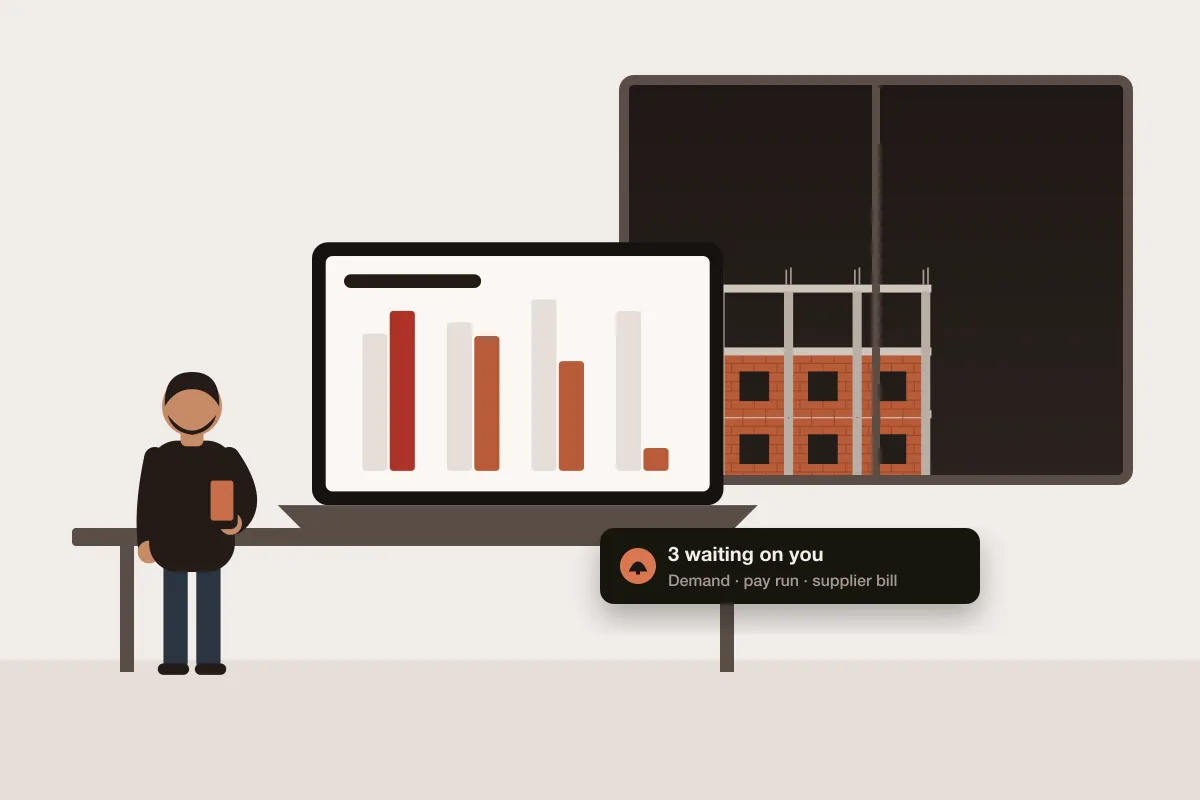
What needs approving or paying, and which sites are behind or over budget.
Contractors
Quotations to clients, shared progress and photos, client payments tracked.
Project managers
Phases, tasks, orders and pay runs in one place.
Site teams
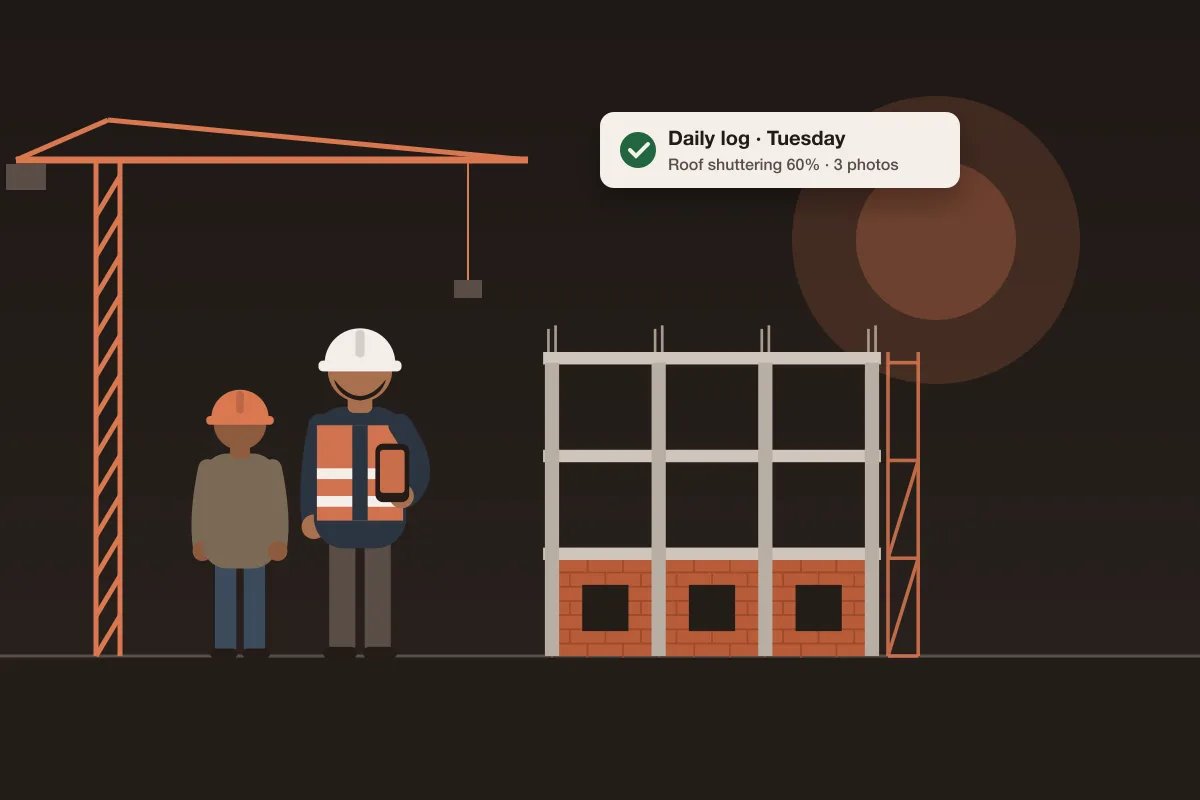
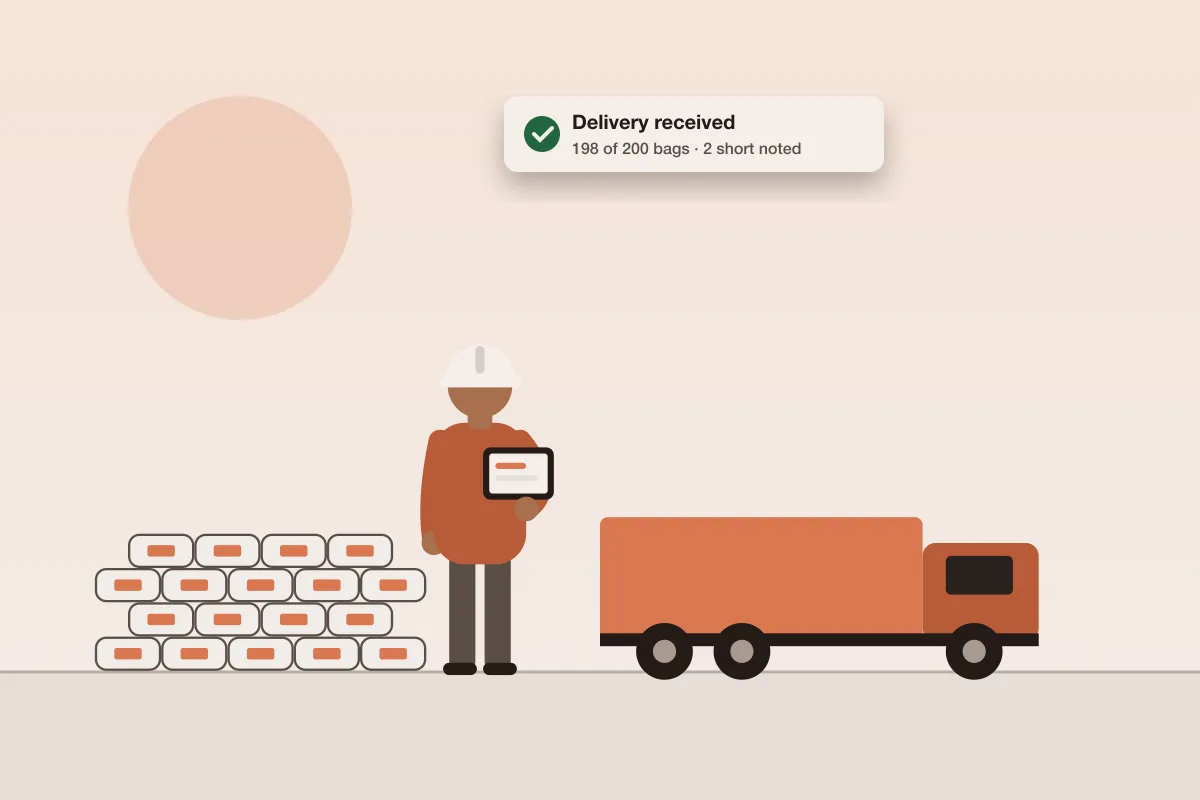
Daily log, material requests and receiving from a phone.
Where a growing construction company loses track
One site can run from the owner's memory. By the third or fourth, the same questions take a round of phone calls to answer, and the answers don't agree.
- 1Each site keeps its own registers, so nobody can add them up.
- 2Orders are approved on calls and voice notes, with no record of who agreed to what.
- 3Supplier balances live in an account book, and nobody is sure what is owed.
- 4Wages are worked out on Saturday from memory and paid in cash.
- 5Cash looks fine until three big bills fall due in the same week.
- 6The job losing money is found after handover, not while it can still be fixed.
Worked example · sample figures
Three running jobs, as the owner sees them
A sample company with three projects. Each row reads straight from the project's own records; nothing is typed into a summary.
| Project | Phase now | Built | Budget | Spent | Forecast at finish |
|---|---|---|---|---|---|
| Office block | Foundation | 12% | $400,000 | $62,000 | $436,000 · over |
| Aslam House | Grey structure | 31% | $120,000 | $40,000 | $118,000 |
| Bilal House | Finishing | 72% | $150,000 | $104,000 | $146,000 |
| Company | 3 running | — | $670,000 | $206,000 | $700,000 |
Sample figures. The office block is listed first because its forecast is over its budget: $436,000 against $400,000, $36,000 over. The two houses finish $6,000 under between them, so the company as a whole is heading $30,000 over ($700,000 against $670,000), and all of the problem sits on one job.
Running a construction company on registers vs one workspace
- On registers, spreadsheets and WhatsApp: A register on each site and a spreadsheet in the office
- In Aaghaz360: One workspace that every site and the office write to
- On registers, spreadsheets and WhatsApp: Approvals on phone calls
- In Aaghaz360: Approvals by amount, recorded with a name and a time
- On registers, spreadsheets and WhatsApp: Supplier balances in an account book
- In Aaghaz360: A supplier ledger, with bills matched to orders and deliveries
- On registers, spreadsheets and WhatsApp: Wages worked out from memory
- In Aaghaz360: Pay runs from the daily log, approved by the owner
- On registers, spreadsheets and WhatsApp: Cash checked at the bank
- In Aaghaz360: Cash, receivables and payables on the owner's home
- On registers, spreadsheets and WhatsApp: A losing job found after handover
- In Aaghaz360: Forecast at finish on every job, over budget listed first
What Aaghaz360 doesn't run
Aaghaz360 runs projects, buying, stores, labour and job money. A few parts of a construction business stay with other tools for now.
- No CRM or lead pipeline. Quotations to customers are built in; chasing leads before the quote is not.
- Payroll for salaried office staff (payslips, loans, tax withholding) is planned, not built. Daily-wage labour and pay runs are live.
- No connection to accounting packages. Reports and bank statements export to CSV for your accountant, and tax filing stays with them.
- No BIM, drawing markup or critical-path scheduling.
What the whole company pays
Priced in US dollars per year by how many projects run at once, never per user. Your office, site staff, storekeepers and accountant are all included.
- FreeFree1 running projectOne site at a time, every module included
- Starter$149/ yearUp to 5 running projectsA builder or contractor running a few sites
- Business$249/ yearUp to 15 running projectsSeveral sites with a buying team and stores
- Unlimited$499/ yearNo limit on running projectsMany sites, stores and departments
- Unlimited users and storage
- Projects, phases, tasks and documents
- Daily site log with photos
- Purchasing from demand to payment
- Site stores and stock counts
- Labour, contractors and pay runs
- Budgets, supplier ledger and client billing
- Quotations to customers
Built for every kind of construction company
- House builders
Houses from excavation to handover, one project each, with the client sharing progress and payments. - Developers and schemes
Many houses or units in one scheme as one project, followed unit by unit, with or without a client. - Civil contractors
Commercial buildings and civil works with phases, subcontractors and supplier ledgers. - Renovation and finishing
Shorter jobs with the simple workflow: no phases, just the daily log, buying and money.
More for construction companies
Construction project tracking software→How the modules connect→Guide: manage multiple construction sites→Guide: construction software for small builders→Guide: house construction checklist→Questions from construction companies
What software do construction companies use?
Most small and mid-size builders run on a mix of registers, spreadsheets, WhatsApp and an accounting package. Construction company management software replaces the first three with one workspace for projects, purchasing, stores, labour and job money, and exports to the accountant.
Is construction company management software the same as construction ERP?
They overlap. Construction ERP usually means a larger system with full accounting built in. Aaghaz360 covers the operational side of a construction company and job costing, and leaves the company's books and tax filing to your accountant.
Can I see all my projects at once?
Yes. The owner's home lists every running project with its progress and budget, over budget or overdue first, next to the company's cash, what it is owed and what it owes.
Who sees the company's money?
Only people you give finance access to, such as the owner and the accountant. Site staff see their own projects' work, material and labour without the money figures.
Can I use it for houses I build to sell?
Yes. The client is optional, and several houses can be units of one project.
Does it come with a construction material list?
Yes. A starter catalogue of common construction material, such as cement, sand, crushed stone and deformed steel bars, loads when you set up your company.
Do suppliers need an account?
No. They quote through a private link and receive orders by WhatsApp or email.
Is there a template for a house build?
Yes. House and commercial building templates start with phases from excavation and foundation through grey structure to finishing and handover.
How much does it cost for the whole team?
Packages are priced per year by how many projects run at once, not per user: Free for one project, then $149, $249 or $499 a year. Your office, site staff, storekeepers and accountant are included in every package.